


Table of Contents
Introduction: Is the ApoloSign Digital Calendar the Family Organizer You’ve Been Waiting For?
ApoloSign Digital Calendar has been making serious waves in the smart home category, and for good reason. If you’ve ever lost track of a dentist appointment because a sticky note fell behind the fridge, forgotten whose turn it was to do the dishes, or missed a school event because everyone’s schedules were scattered across three different apps — this device is designed with you in mind.
I’ve spent years testing smart home gadgets, digital organizers, and productivity tools. When the ApoloSign Digital Calendar landed on my radar on Amazon, I knew it was worth a thorough hands-on evaluation. What I found genuinely surprised me — this isn’t just another digital picture frame with a calendar app slapped on top. It’s a thoughtfully engineered family command center that bridges the gap between a traditional wall calendar and a full-blown smart display.
In this in-depth ApoloSign Digital Calendar review, I’ll walk you through everything: design, performance, setup, durability, value, and who this device is really built for. I’ll also cover how it stacks up against alternatives, answer the most common buyer questions, and give you my honest verdict. Whether you’ve already been browsing ApoloSign Digital Calendar Amazon listings or you’re hearing about this product for the very first time, this guide has everything you need to make a confident purchase decision.
Let’s dive in.
Who Is the ApoloSign Digital Calendar For?
Before diving into the specs, it’s worth asking who this product is actually designed to serve — because a tool that’s perfect for a family of five might be overkill for a solo professional, and vice versa.
Ideal Users
- Busy families: If your household juggles school pickups, soccer practice, work deadlines, and household chores, the ApoloSign Digital Calendar delivers a unified view that everyone can see at a glance.
- Parents managing chore charts: The built-in chore chart feature lets you assign tasks to family members and track completion in real time — no more arguing about whose turn it is.
- Remote workers and freelancers: If your living space doubles as your office, having a dedicated calendar display keeps meetings and deadlines front-of-mind without opening another tab.
- Tech-savvy seniors: The large 15.6-inch touchscreen and simple interface make it accessible for older adults who want to stay on top of appointments without fumbling with a smartphone.
- Google Calendar power users: If your whole life is already organized in Google Calendar, this display syncs seamlessly and transforms your digital schedule into a beautiful physical display.
Who Might Not Benefit
- Minimalists who prefer a simple paper planner or single-user household with no complex scheduling needs.
- Users who want a full Android tablet experience — the ApoloSign is purpose-built for calendar and scheduling, not general-purpose computing.
- Those on an extremely tight budget who can’t justify the premium price for a dedicated display device.
Product Overview & Quick Summary
Here’s a fast-reference summary of the ApoloSign Digital Calendar before we get into the detailed sections:
| 📋 ApoloSign Digital Calendar – At a Glance | |
| Product Name | ApoloSign 15.6-Inch Digital Calendar (Gray Wood, 15.6″) |
| Screen Size | 15.6 inches (also available as apolosign digital calendar 27 inch & apolosign 21.5 digital calendar) |
| Display Type | Smart IPS Touchscreen |
| Operating System | Android with Google Play Store Access |
| Calendar Sync | Google Calendar, Apple Calendar, Outlook, and more |
| Key Features | Dual Mode Calendars, Chore Chart, Multi-Calendar Sync, Electronic Planner |
| Connectivity | Wi-Fi, Bluetooth |
| Mounting Options | Wall mount or tabletop stand |
| Design | Premium Gray Wood finish |
| Best For | Families, remote workers, home offices |
| Rating | ⭐⭐⭐⭐½ (4.8 / 5) |
| Buy On Amazon | Check Latest Price → |
In-Depth Review: ApoloSign Digital Calendar
1. Appearance & Design: A Display Worth Showing Off
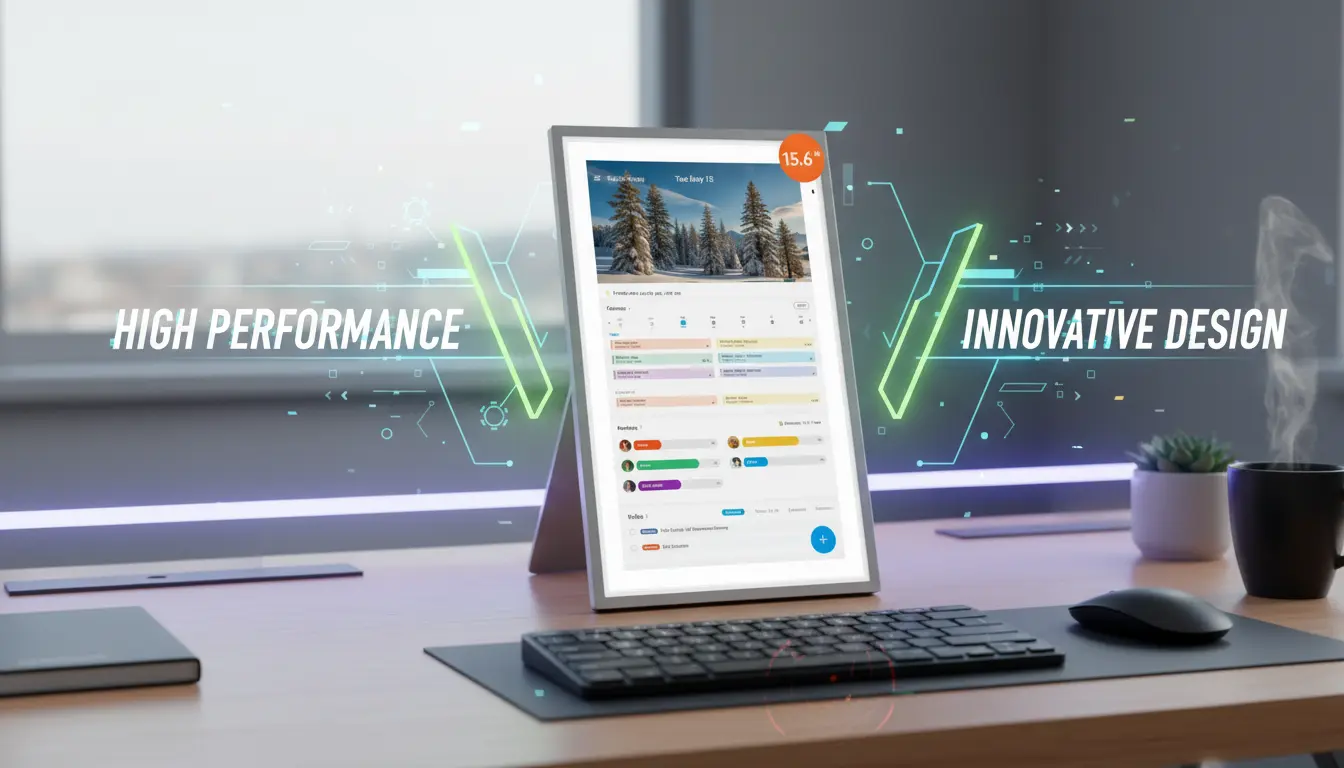
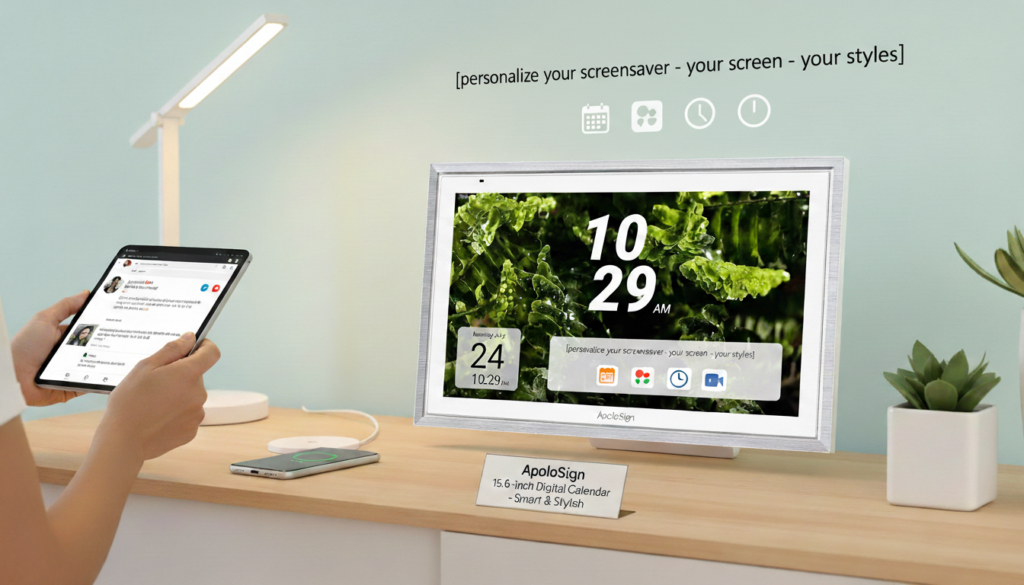
Let’s start where first impressions are made. The ApoloSign Digital Calendar in the Gray Wood finish looks nothing like the plasticky, sterile white gadgets that litter most smart home catalogs. The gray wood-effect frame gives it a warm, Scandi-inspired aesthetic that blends naturally into modern kitchens, living rooms, and home offices.
The 15.6-inch IPS display is crisp, well-lit, and absolutely readable from across a room. Unlike cheaper LCD panels that look washed out in bright environments, this one handles ambient light well with good contrast and vivid color reproduction. Whether you’re viewing it in the morning sunlight streaming through kitchen windows or in the warm glow of evening lamplight, the display remains clear and inviting.
The bezel is reasonably slim without being so borderless that it feels fragile. The overall build has a solid, premium feel to it — you won’t feel like you’re hanging a cheap toy on your wall. The frame is sturdy and the hardware assembly is clean with no visible screws or unsightly gaps.
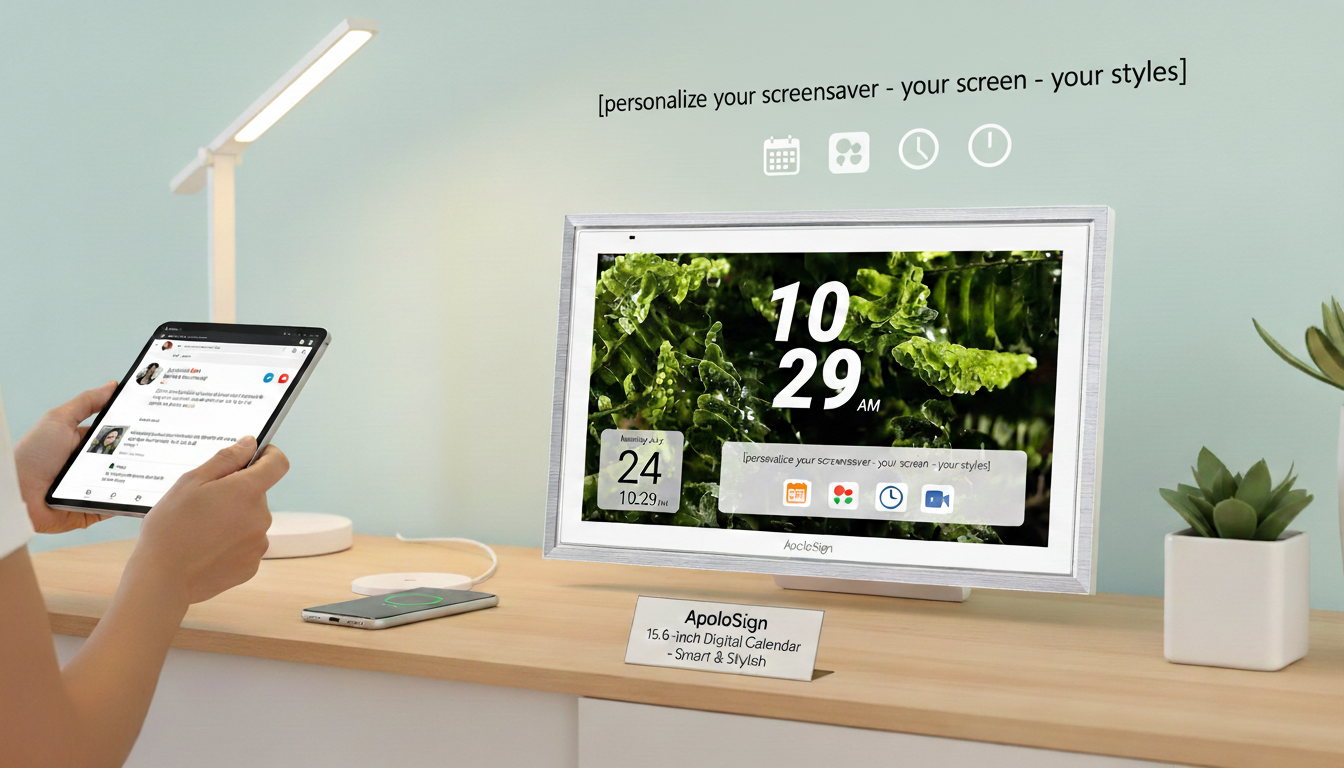
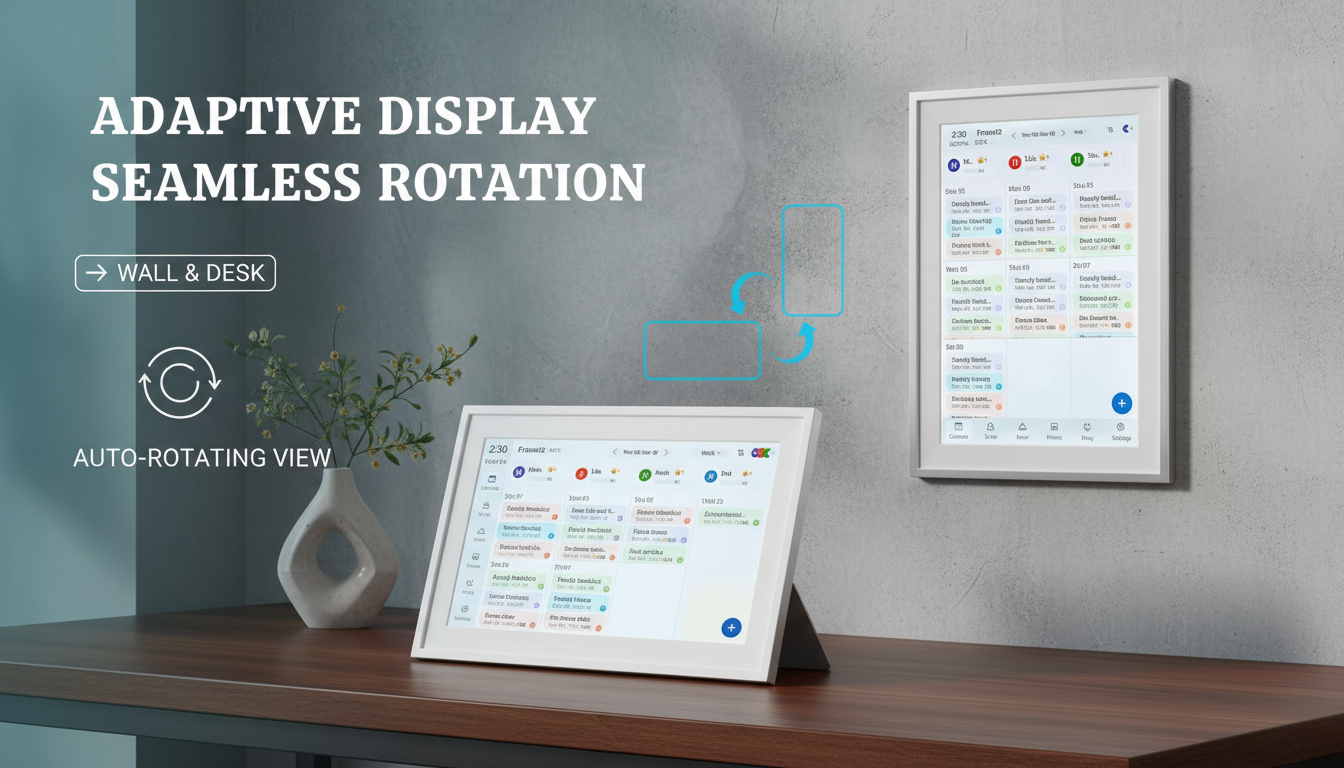
Mounting flexibility is another win. The device can be wall-mounted for that true command center look, or placed on a tabletop stand for desk use. The wall mount hardware is included and the process is straightforward, though I’d recommend having an extra pair of hands for the installation. The power cord length is adequate for most setups, though you’ll want to plan your outlet placement in advance.
Bottom line on design: this is a device that elevates the spaces it inhabits. It doesn’t hide in a utility corner — it becomes a visual focal point that communicates organization and intentionality.
2. Performance & Features: Where the ApoloSign Digital Calendar Really Shines
This is where the ApoloSign Digital Calendar differentiates itself most dramatically from competitors. Let’s break down the key features:
Dual Mode Calendar Display
One of the standout features is the dual mode calendar functionality. You can toggle between a traditional monthly grid view — great for seeing the big picture — and a weekly or daily agenda view that shows the granular detail of upcoming events. The transition between modes is smooth, and the layout logic is intuitive enough that anyone in the household can navigate it without instruction.
Multi-Calendar Sync
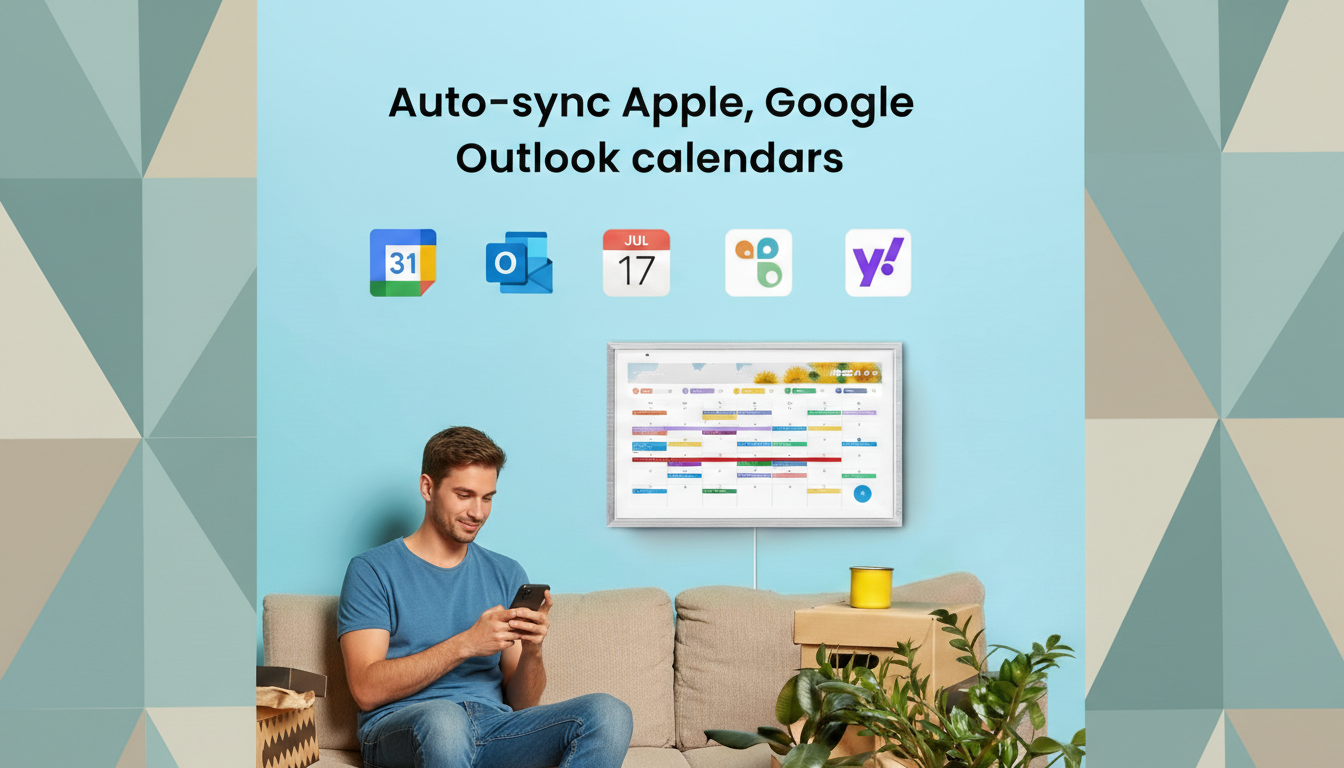
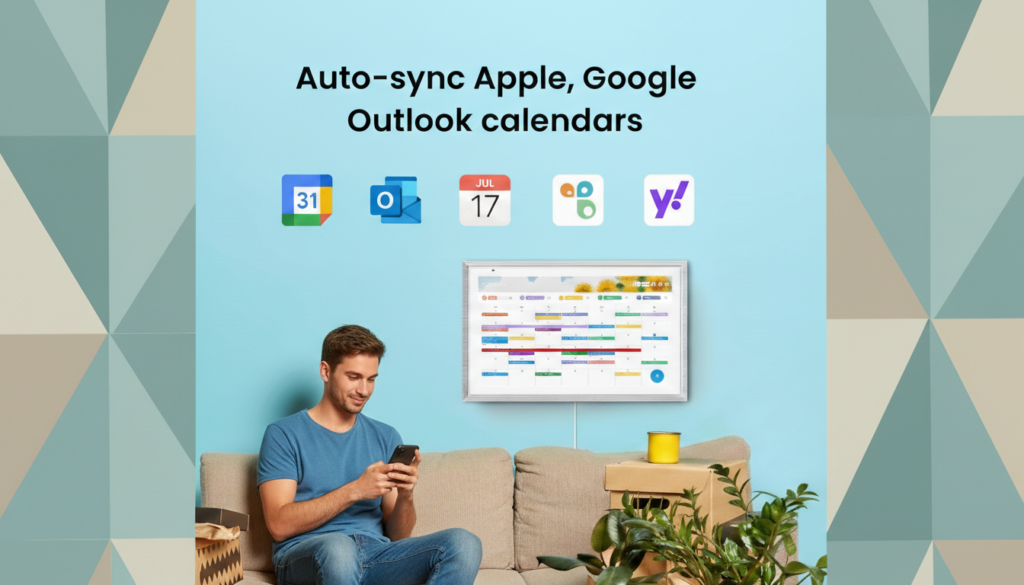
If you’ve been shopping for an ApoloSign Digital Calendar Amazon listing, you’ve probably noticed the multi-calendar sync prominently featured. This is not marketing fluff — it genuinely works. The device syncs with Google Calendar, Apple Calendar, Outlook, and other popular calendar services. More importantly, it supports multiple accounts simultaneously, meaning Mom’s Google Calendar, Dad’s Outlook, and the kids’ shared family calendar can all appear on the same display, color-coded and clearly organized.
Google Play Store Access
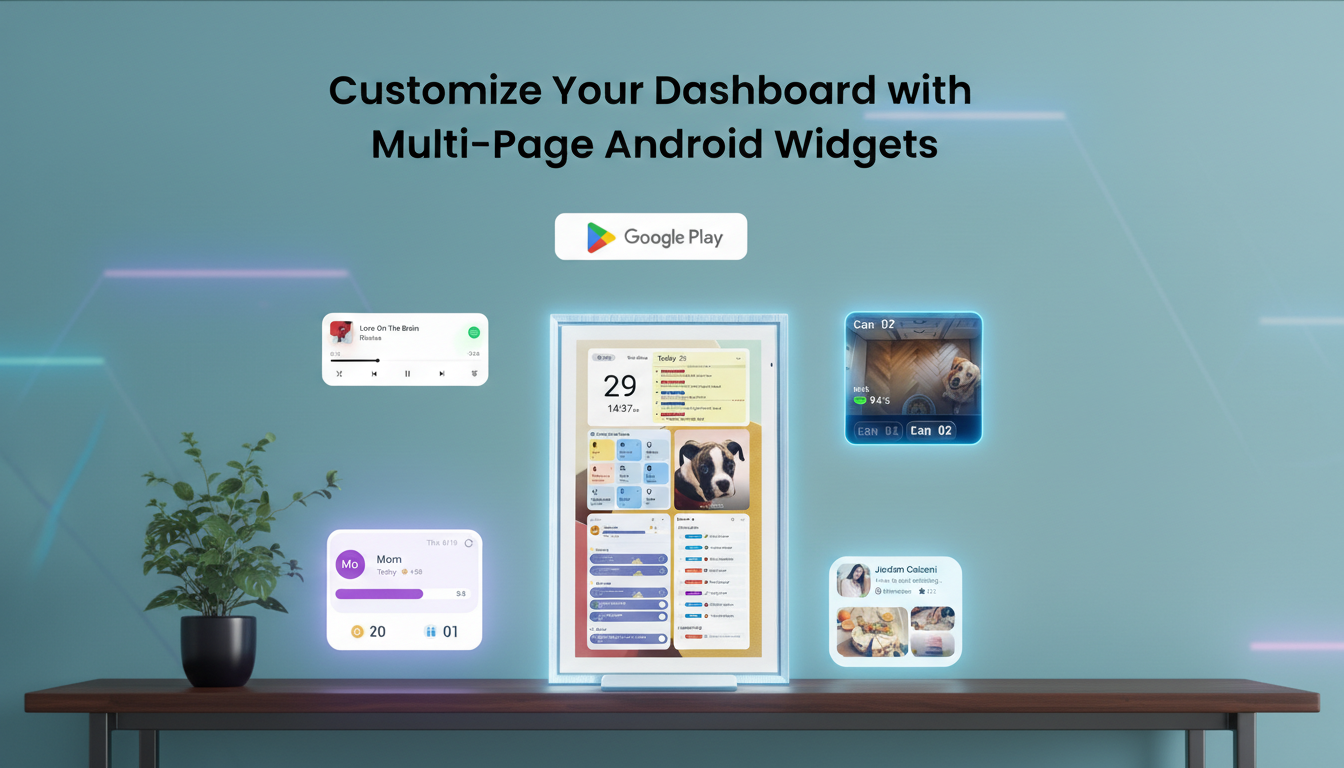
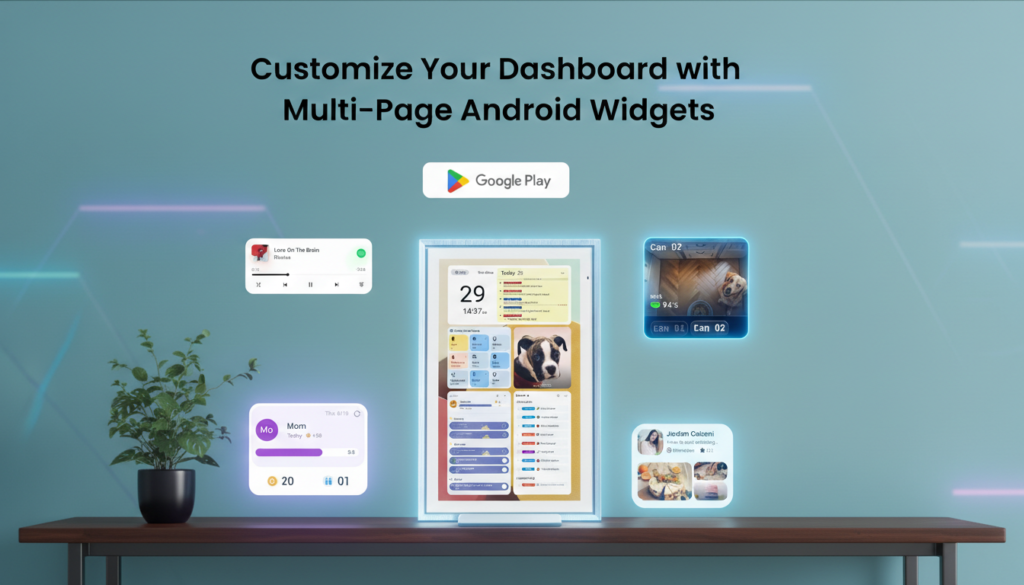
The inclusion of Google Play access is a genuinely powerful differentiator. While many smart displays are closed ecosystems, the ApoloSign lets you expand functionality over time. You can install additional productivity apps, weather widgets, note-taking tools, or streaming apps directly from the Play Store. This transforms the device from a static calendar display into a customizable smart hub.
Interactive Chore Chart
The built-in chore chart is a feature that parents, in particular, will love. You can create a customized task list, assign chores to specific family members, and mark them complete via the touchscreen. It’s a tactile, satisfying system that actually works — and the visual accountability of a shared screen means chores are harder to ignore.
Electronic Planner Functionality
Beyond the calendar, the device functions as a full electronic planner. You can add notes, create reminders with time-based notifications, and manage to-do lists directly on the screen. This blurs the line between a smart display and a digital whiteboard in the best possible way.
Smart Touchscreen Responsiveness
The touchscreen is responsive and accurate. There’s no noticeable lag when switching between calendar views, tapping to add events, or navigating the interface. The screen is sized appropriately for touch interaction — larger than a smartphone but not so large that you feel like you’re stretching to reach elements.
3. User-Friendliness: Setup and Daily Use
One of the most common questions I see about ApoloSign Digital Calendar setup is simply: how long does it take, and how hard is it? The answer is refreshingly simple.
Unboxing to first calendar sync took me under 20 minutes. The included quick-start guide is well-written, and the on-screen setup wizard walks you through Wi-Fi connection, Google account sign-in, and calendar import in a logical step-by-step flow. Even someone who isn’t particularly tech-savvy should be able to complete the initial setup without calling for help.
Once connected, the ApoloSign Digital Calendar setup process for additional calendars is equally painless. Adding a second or third family member’s calendar is as simple as signing into their account through the device’s settings menu. The color-coding system for different calendar accounts is applied automatically, though you can customize it to your preference.
The daily-use experience is equally smooth. The display updates in near real-time as calendar changes are made on connected devices, meaning if someone adds an event on their phone, it appears on the ApoloSign within seconds. This bidirectional awareness is what makes the device feel truly integrated into your family’s digital life rather than just a passive display.
One minor note: the full breadth of Google Play app customization does come with a slight learning curve for users unfamiliar with Android. But for the core calendar and chore chart functions, you don’t need to touch any of that — it all works out of the box.
4. Durability & Build Quality: Built to Last
The ApoloSign Digital Calendar feels built with longevity in mind. The chassis is solid without being unnecessarily heavy. The display glass has a quality hardcoat finish that resists fingerprints reasonably well — important for a device that’s designed to be touched frequently by family members of all ages.
The gray wood frame is made from a composite material that looks premium but also proves more durable than actual wood veneer, which can chip or warp over time. There are no concerning creaks or flexes when the device is handled, and the wall mount system is robust enough to hold the display securely without wobble.
From a longevity standpoint, the Android-based system is a significant plus. Because the device runs on a mainstream OS with Google Play access, it can receive app updates and security patches for years to come, which isn’t always guaranteed with proprietary smart display ecosystems.
In terms of the display itself, IPS panels are known for their longevity compared to AMOLED screens, which can suffer burn-in from static images over time. Since a calendar display is by definition showing relatively static content for extended periods, the IPS panel choice here is a smart engineering decision.
5. Value for Money: Is the ApoloSign Digital Calendar Worth It?
This is the question every buyer ultimately asks. The ApoloSign Digital Calendar sits at a premium price point relative to basic digital photo frames and budget calendar displays. But comparing it to those products is like comparing a Swiss Army knife to a butter knife.
When you factor in everything you’re getting — a 15.6-inch IPS touchscreen, full Android OS, Google Play access, multi-calendar sync, chore chart, electronic planner, and premium aesthetics — the price becomes much easier to justify. This is not a single-purpose novelty item. It’s a productivity platform that replaces multiple tools.
Consider what you’d spend to replicate its functionality otherwise: a wall whiteboard for chores, a separate digital photo frame, a smart display device, and still no unified calendar hub. The ApoloSign Digital Calendar bundles all of that into one elegant package.
It’s also worth noting that ApoloSign offers larger screen sizes — the apolosign digital calendar 27 inch version for larger kitchens or living rooms, and the apolosign 21.5 digital calendar as a middle-ground option. Depending on your space and budget, you can right-size your purchase rather than overspending on a size you don’t need.
For families, the value proposition is particularly strong. The time saved from coordinated schedules, resolved chore disputes, and missed-event prevention has a real dollar value that quickly offsets the initial investment.
Alternatives & Comparisons: How Does ApoloSign Stack Up?
To give you a complete picture, let’s look at how the ApoloSign Digital Calendar compares to a couple of notable alternatives in this space.
ApoloSign Digital Calendar vs. Amazon Echo Show 15
The Amazon Echo Show 15 is perhaps the most well-known smart display in this space. It features a 15.6-inch display, Alexa integration, and smart home controls. However, its calendar functionality is more limited compared to ApoloSign — it’s primarily designed as an Alexa device with calendar as a secondary feature, rather than a dedicated calendar-first platform. The Echo Show 15 wins on voice control and smart home integration; the ApoloSign Digital Calendar wins on calendar depth, chore chart, multi-calendar sync, and the flexibility of Google Play.
Who should choose which: If smart home control and voice assistance are your priorities, the Echo Show 15 is compelling. If your primary goal is a powerful, beautiful family calendar and planning hub, the ApoloSign Digital Calendar is the better-focused tool.
ApoloSign Digital Calendar vs. Skylight Calendar Plus
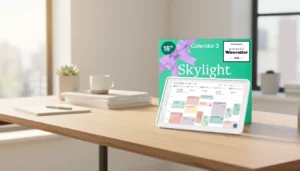
The Skylight Calendar Plus is a popular dedicated family calendar display. It offers a clean interface and solid calendar syncing. However, it runs on a proprietary OS without Google Play access, which limits its long-term expandability. The ApoloSign’s Android base and app store access give it a significant durability and flexibility advantage. The Skylight is slightly more affordable and even simpler to use, which may appeal to users who want absolute plug-and-play simplicity.
Who should choose which: For pure, no-fuss simplicity and a lower price point, Skylight is a viable option. For users who want more power, expandability, and a larger screen ecosystem (including the apolosign digital calendar 27 inch option), ApoloSign delivers more long-term value.
Size Considerations Within the ApoloSign Lineup
It’s also worth comparing the ApoloSign’s own size lineup. The apolosign 21.5 digital calendar is a great middle ground for medium-sized kitchens, while the apolosign digital calendar 27 inch version is ideal for large open-plan spaces where visibility from a distance matters. The 15.6-inch model reviewed here is the most versatile across different room sizes and offers the best value-to-visibility ratio for most households.
Frequently Asked Questions
Q: How difficult is the ApoloSign Digital Calendar setup process?
A: The apolosign digital calendar setup is genuinely beginner-friendly. Most users complete initial setup — including Wi-Fi connection and first calendar sync — in under 20 minutes. The on-screen wizard guides you through each step clearly. Adding additional family member calendars afterward takes just a few minutes per account.
Q: Does the ApoloSign Digital Calendar work with Apple Calendar and iCloud?
A: Yes. The multi-calendar sync feature supports Apple Calendar/iCloud, Google Calendar, Outlook, and other major calendar services. All accounts can be displayed simultaneously on the same screen with color-coded differentiation.
Q: Where can I find the ApoloSign Digital Calendar on Amazon?
A: You can find the ApoloSign Digital Calendar Amazon listing directly on Amazon’s website. The product is available in multiple sizes including the 15.6-inch (reviewed here), the apolosign 21.5 digital calendar, and the apolosign digital calendar 27 inch model. Check the Amazon listing for current pricing and availability.
Q: Can I install apps on the ApoloSign Digital Calendar beyond the built-in features?
A: Yes — this is one of its biggest advantages. Because it runs Android with Google Play Store access, you can install a wide range of productivity apps, weather apps, note-taking tools, and more. This makes it significantly more expandable than competitors running proprietary operating systems.
Q: Is the ApoloSign Digital Calendar suitable for elderly users?
A: Absolutely. The large 15.6-inch touchscreen makes text and calendar items easy to see, and the intuitive interface doesn’t require technical expertise to operate day-to-day. For older adults who already use Google Calendar or similar services, the transition is especially seamless.
Conclusion & Final Verdict: Should You Buy the ApoloSign Digital Calendar?
After thorough testing and analysis, my verdict on the ApoloSign Digital Calendar is unambiguous: it’s the best family calendar display on the market in its class, and it earns a strong recommendation.
It succeeds on every dimension that matters for its target audience. The design is premium and aesthetically pleasing. The multi-calendar sync is reliable and genuinely useful. The chore chart brings accountability to household task management in a way that sticky notes and whiteboards simply can’t match. The Google Play access gives it a future-proof expandability that its competitors lack. And the apolosign digital calendar setup process is simple enough that the whole family can be up and running in under half an hour.
Is it perfect? Not quite. The premium price is a real consideration, and the power cord dependency means you’ll need a plan for where you hang it. But for the right household — and that’s most households with more than one person sharing space and schedules — the ApoloSign Digital Calendar delivers genuine, daily value that pays for itself in avoided chaos.
If you’re still on the fence, consider this: the mental load of managing family logistics is real and costly. A tool that centralizes schedules, assigns chores, tracks reminders, and does it all beautifully on a 15.6-inch display on your kitchen wall isn’t a luxury — it’s an investment in daily peace of mind.
Disclosure: This post contains affiliate links. If you purchase through our links, we may earn a small commission at no extra cost to you. All opinions expressed are our own and based on genuine product testing.
Related reviews:
Digital Calendar Review: How to Find The Best One for Your Family